You’ve been onboarded and can now sign in to TimeBack as a Guide, but your Home page may feel empty at first.
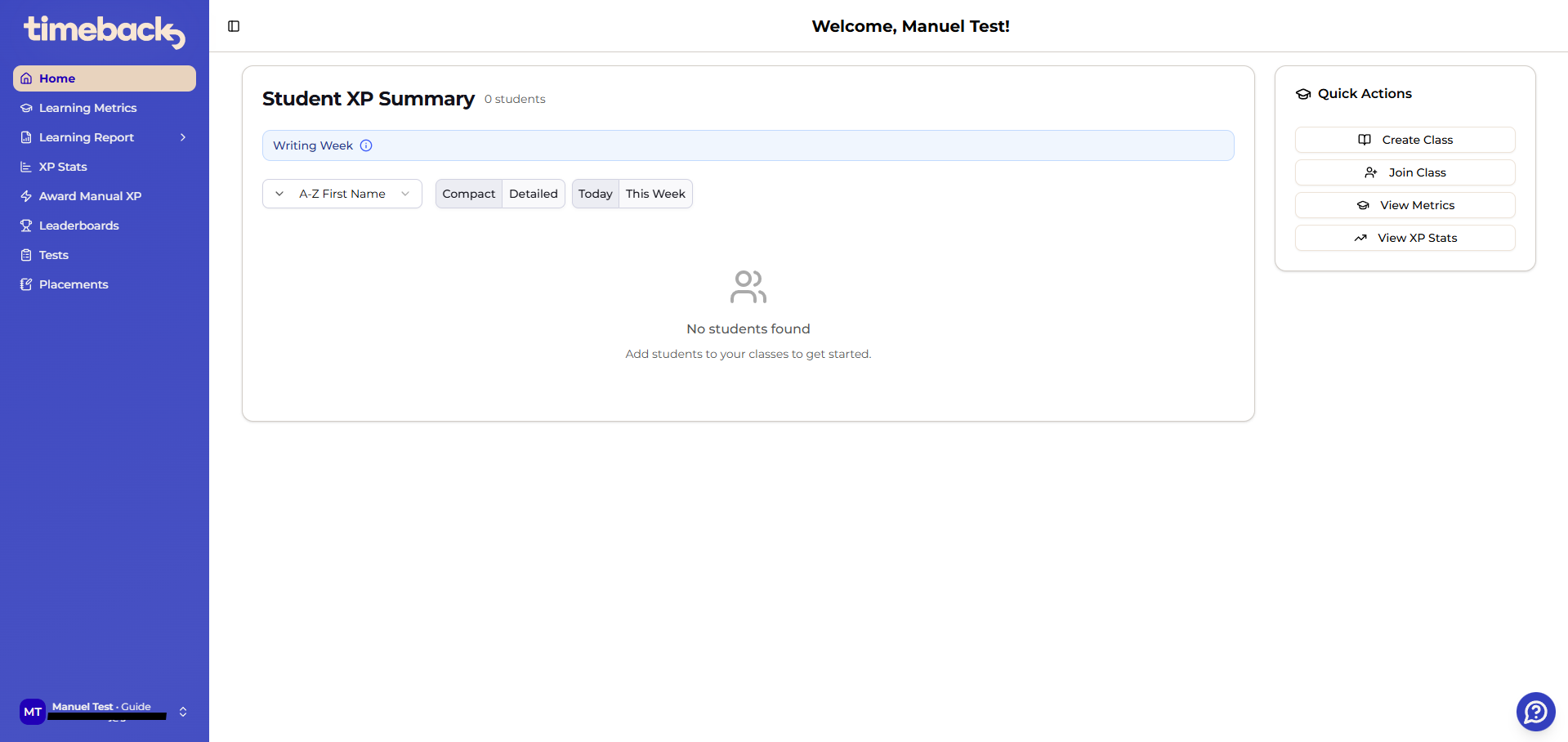
Also, in the Learning Metrics page, you may see messages about missing classes and prompts to create or join one.
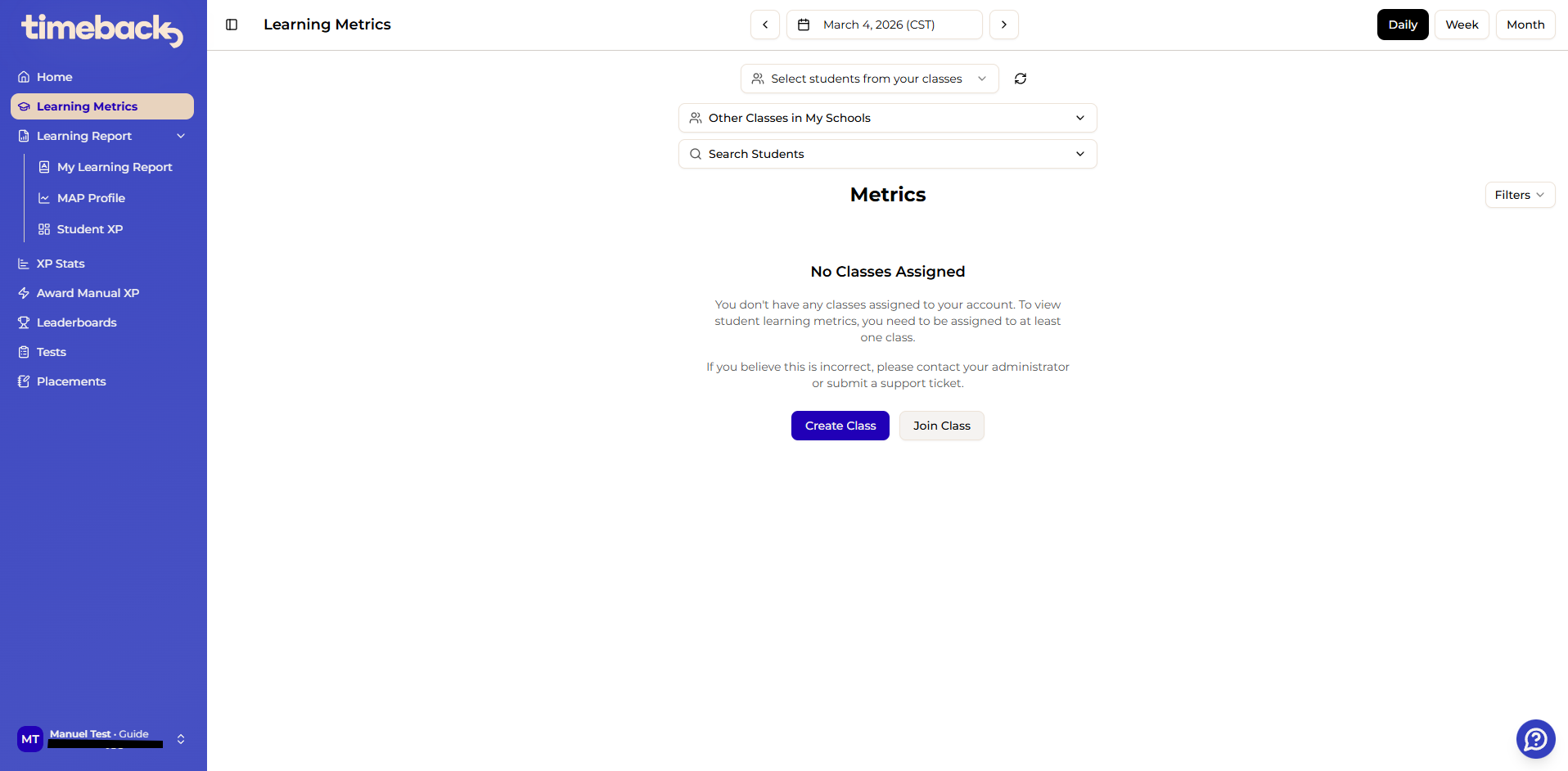
For day-to-day use, you should be in a class. Once you join or create a class, TimeBack will use class-based selectors to show your roster, and your Home page summaries will begin populating for the students in your class.
Option 1: Join an existing class
- Click Join Class (from Home or Learning Metrics).
- Select the class you need from the list of available classes (often shared by a Lead Guide).
Option 2: Create a new class (and add students)
- Click Create Class (from Home or Learning Metrics).
- Follow the prompts to name the class and add students.
Important limitation: organization scope
You can only see students and classes within your campus. If you moved campuses or can’t find expected students/classes, contact Support with details about what you expected to see, what you actually saw, and the exact page you were on, and the team will work on correcting your access.
Manuel da Silva
Comments